 LedgerMate
Simple accounting.
GST billing. Stock.
All on your phone.
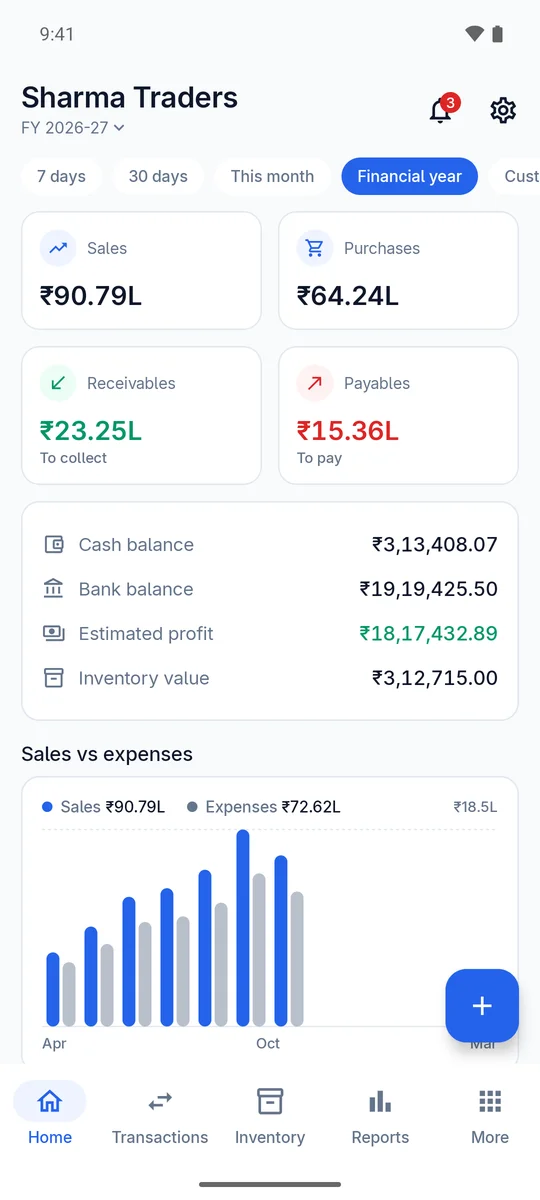
LedgerMate helps shops, traders and wholesalers create GST invoices, track who owes them, keep stock in check and see their profit, with no accountant needed for the daily work.
Free to use · No sign-up or login · Available in 8 Indian languages
Everything your business books need
From the first quotation to the final payment, LedgerMate records it once and keeps your accounts, GST and stock in step.
GST invoices in seconds
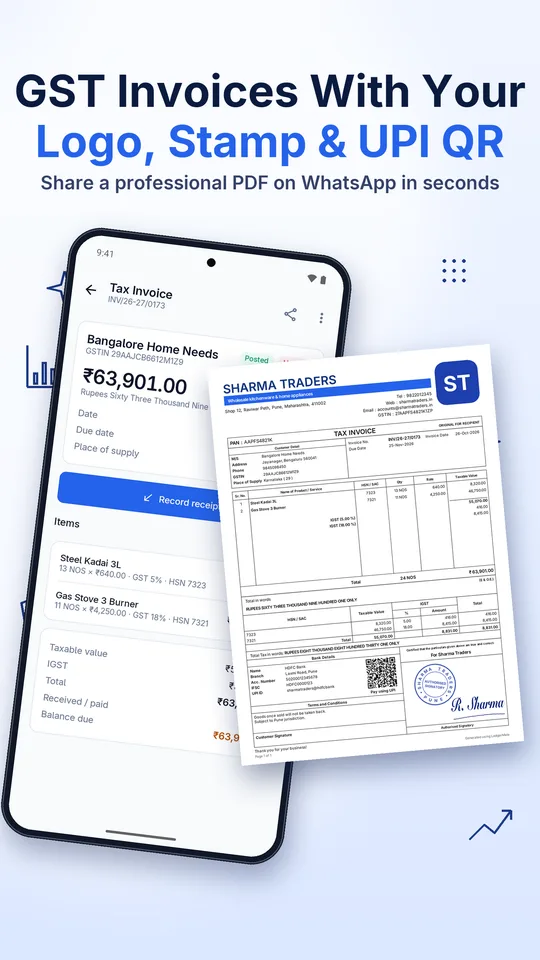
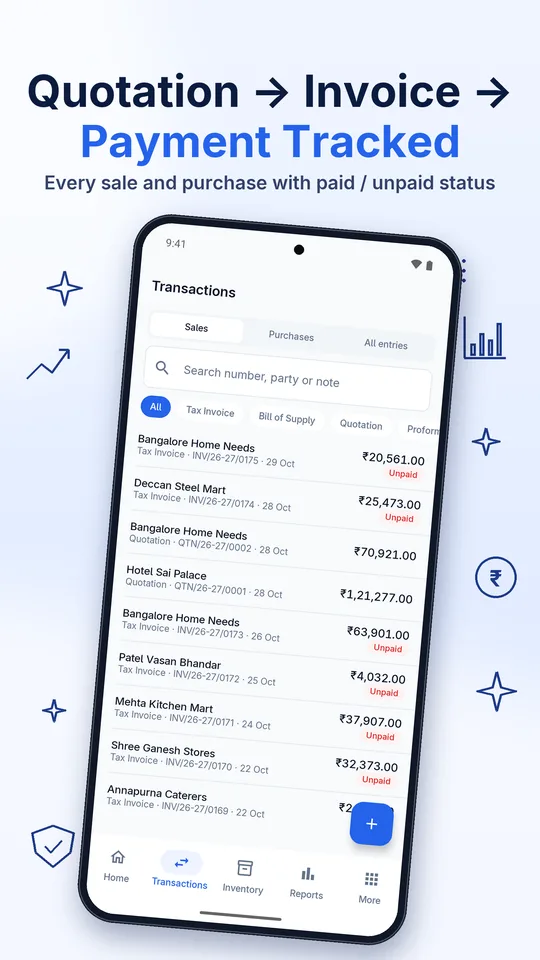
Tax invoices, bills of supply, quotations, proforma invoices, credit and debit notes, with CGST/SGST/IGST worked out for you. Share as PDF on WhatsApp.
Know who owes you
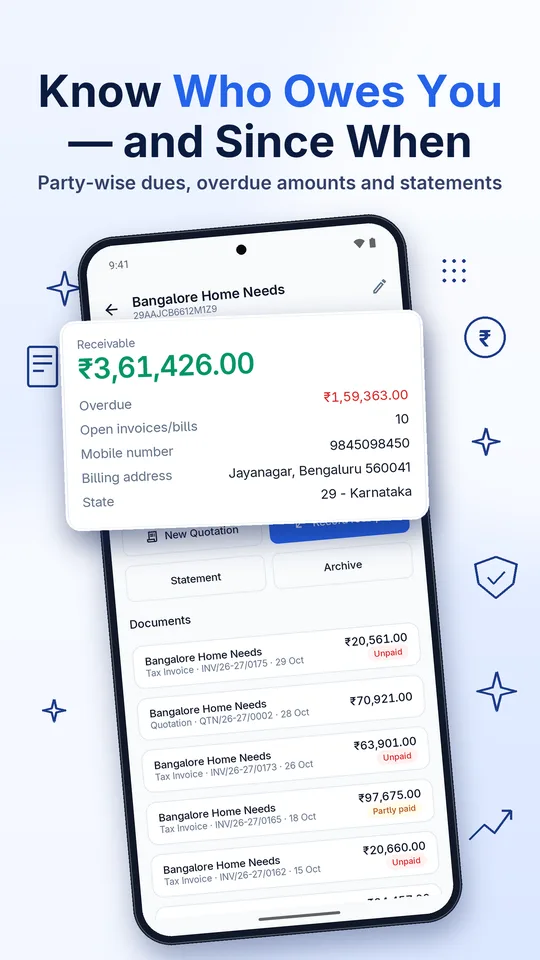
Receivables and payables with ageing, party statements and one-tap payment entry, so you know who to call today.
Stock that matches your books
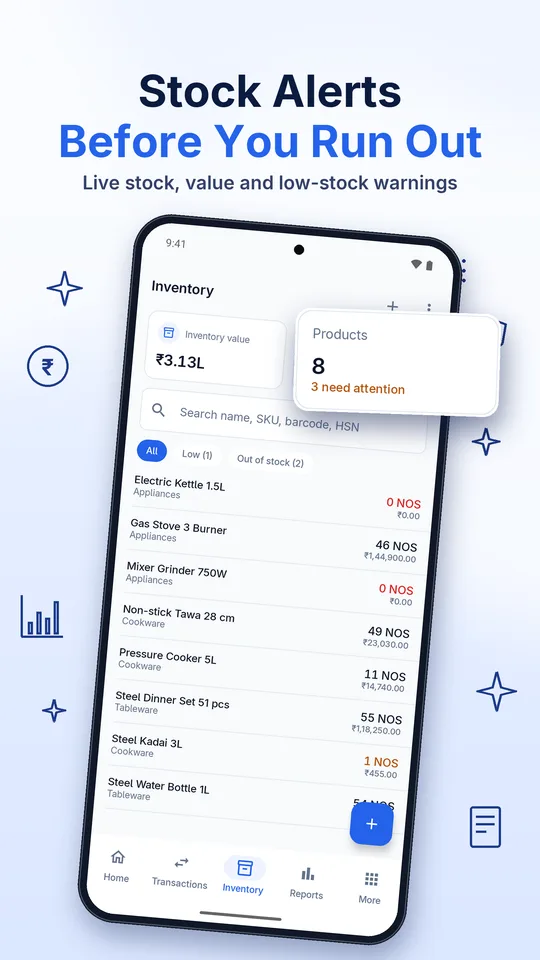
Inventory updates with every sale and purchase. Low-stock alerts, stock valuation, dead stock and stock movement reports.
40+ reports
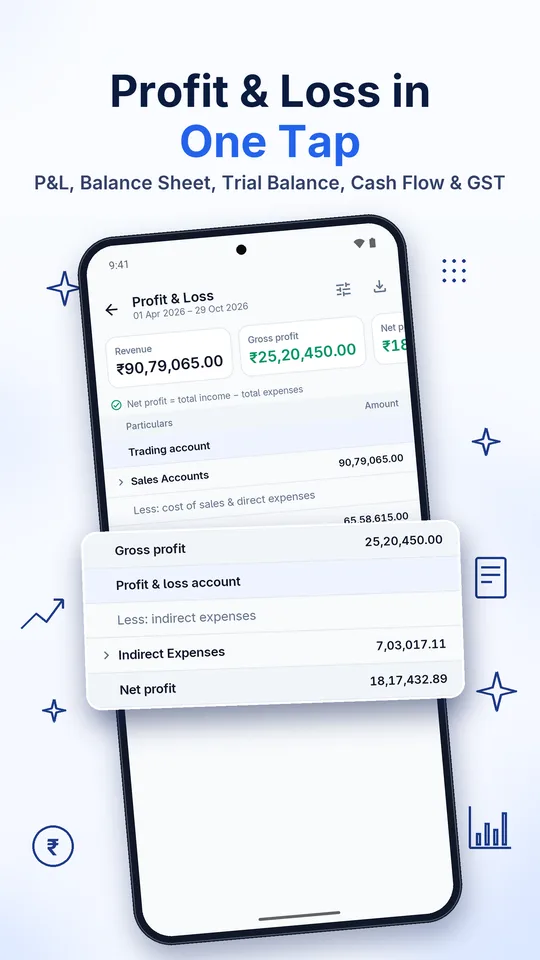
Profit & Loss, Balance Sheet, Trial Balance, Cash Flow, Day Book, ledgers, sales and purchase registers, HSN and GST summaries.
Cash & bank
Cash book, bank book, contra entries, expenses and bank reconciliation, all in real double-entry accounting your CA will recognise.
Private by design
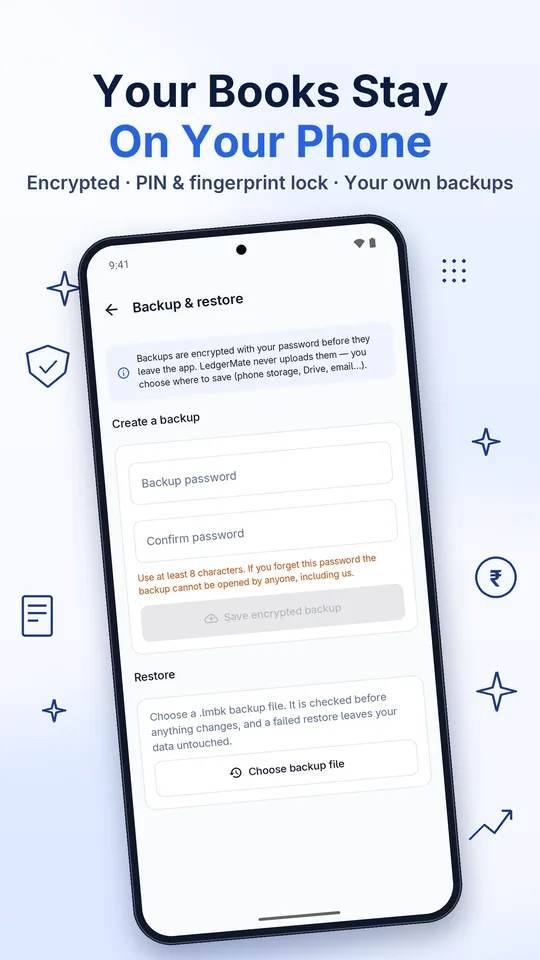
No sign-up or login. Your books stay on your phone in an encrypted database, protected by PIN or fingerprint.
See it in action
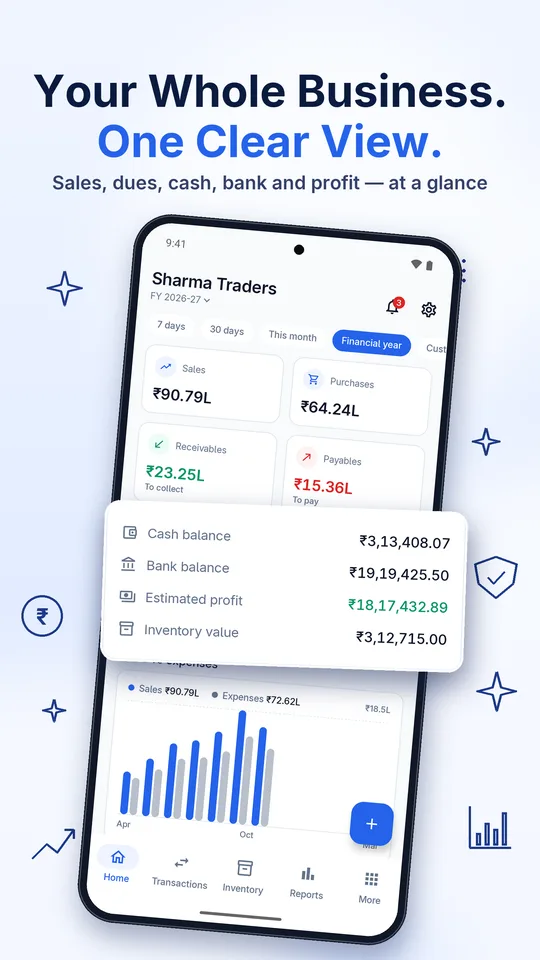
Real screens from the app, shown with sample business data.
Works in your language
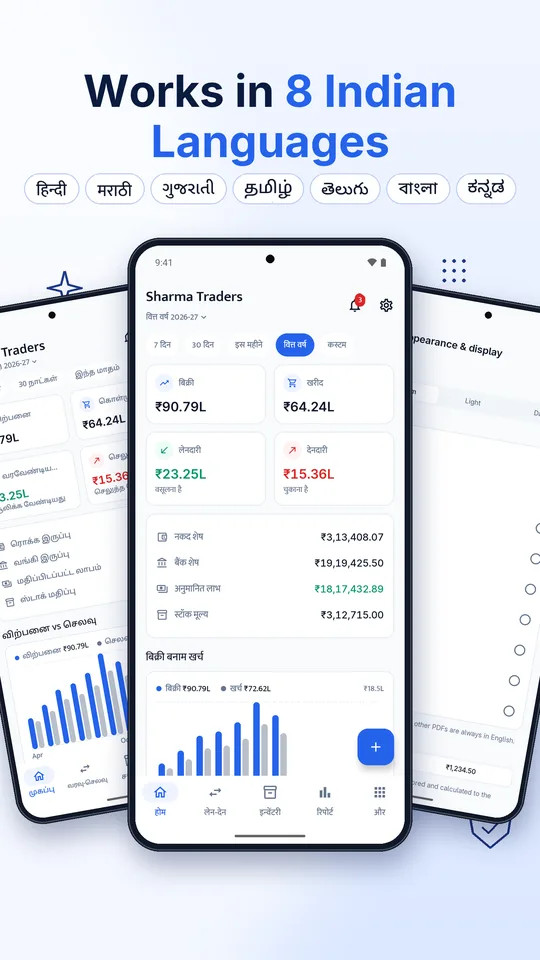
Switch the app language any time. Invoices stay in English for your customers.
Regional languages other than Hindi are in Beta.
Start free. Upgrade when you grow.
The free plan covers the everyday work of most small businesses. Pro adds power tools and removes ads.
Free
- Accounting, cash & bank books
- GST invoices, quotations and purchase bills
- Inventory with low-stock alerts
- Essential reports
- Encrypted backup & restore
- PIN and fingerprint lock
- Shows ads · needs an internet connection
LedgerMate Pro
- No ads, and works without internet
- Classic GST invoice with your logo, stamp, signature and UPI QR
- Unlimited companies
- Advanced reports: cash flow, ageing, profitability, GST detail
- Excel (XLSX) exports
- Warehouses, batch & expiry tracking
- Payroll with attendance, PF/ESI/PT and payslips
- Manufacturing: BOMs, production and costing
Prices shown in Google Play apply and include applicable taxes. Subscriptions renew automatically until cancelled in Google Play.
Frequently asked questions
Still have a question? Write to apps@grownixventures.com.
Where is my business data stored?
Only on your phone, in an encrypted database. We don't run servers that receive your books, and the app never uploads them. You create backups yourself and choose where to save them.
Do I need to create an account?
No. There is no sign-up or login. Install the app, enter your business details and start billing.
Why does the free plan need internet?
The free plan is supported by ads, which need a connection to load. LedgerMate Pro works fully offline. Either way, your business data is never sent anywhere.
Does LedgerMate file my GST returns?
No. LedgerMate prepares GST summaries, HSN summaries and registers that you or your CA can use for filing. It does not file returns, generate e-invoice IRNs or e-way bills, or connect to government systems.
What happens if I change my phone?
Create a backup in the app (Settings › Backup & restore), protect it with your password, and restore it on the new phone. Without a backup, data on a lost or reset phone cannot be recovered, not even by us.
How do I cancel Pro?
Open Google Play › Profile › Payments & subscriptions › Subscriptions › LedgerMate and cancel. Your data stays safe and viewable after Pro ends.